
best vertical monitor

best vertical monitor in 2025

Sort by Price and Quality
Best for
Trading
best vertical monitor in 2025
LG DualUp
(28MQ780-B)

Check Price

Read Review

Best for
Content Creation
best vertical monitor in 2025 02
Dell UltraSharp
(U2723QE)

Check Price

Read Review
Best
for Office
best vertical monitor in 2025
BenQ
(PD2705Q)

Check Price

Read Review
How We Found the best vertical monitor in 2025

Our Testing

Customer reviews

Brand Recommendations

Best Vertical Monitor in 2025 :

Finding the perfect vertical monitor for productivity, content creation, or trading can be a challenge. Many monitors lack proper color accuracy, ergonomic adjustability, or crisp resolution needed for efficient multitasking. But here’s the good news—you don’t have to search endlessly! We’ve reviewed and tested the best vertical monitors of 2025, helping you find the right fit for your needs.

How We Choose?

1- Screen Size & Resolution – Clarity Matters :

Higher resolution ensures sharp text and accurate visuals.

  • 1080p (FHD) → Decent clarity for office work.

  • 1440p (QHD) → Great balance for most users.

  • 4K (UHD) → Best for detail-oriented tasks like content creation.

💡 Tip: For creative work, go for a 27-inch 4K monitor.

2- Panel Type – Color Accuracy & Viewing Angles :

The type of panel affects color precision and response time.

  • IPS → Best for color accuracy and wide viewing angles.

  • VA → Higher contrast but slightly slower response time.

  • TN → Fastest but poor color reproduction.

💡 Tip: IPS panels are ideal for professionals and traders.

3- Ergonomics & Adjustability :

A good vertical monitor should offer:

✔️ Height Adjustability – Adjust to your eye level.
✔️ Pivot Rotation – Easy switching between portrait & landscape.
✔️ VESA Mount Support – Mount it for better flexibility.

💡 Tip: If you use multiple screens, get a monitor with a sturdy stand and VESA compatibility.

4- Connectivity – Versatility is Key :

A monitor should have multiple input options for compatibility.

  • HDMI & DisplayPort → Standard for PCs and laptops.

  • USB-C → Best for modern workstations and Mac users.

  • KVM Switch → Controls multiple devices with one keyboard & mouse.

💡 Tip: If you work with multiple devices, choose a monitor with USB-C or KVM functionality.

5- Refresh Rate & Response Time – Smooth Performance :

  • 60Hz → Perfect for office and content creation.

  • 75Hz-100Hz → Smoother scrolling for productivity.

  • 120Hz+ → Best for trading & gaming.

💡 Tip: For trading and fast multitasking, a higher refresh rate is beneficial.

Our Picks :

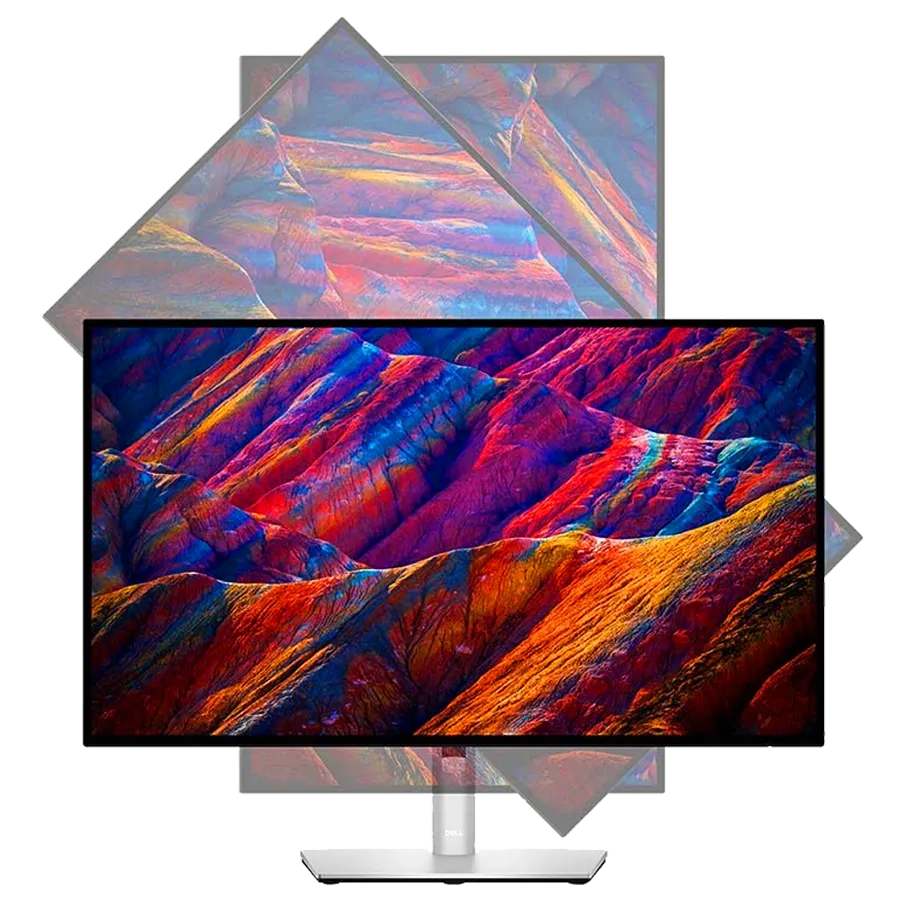
Best for Content Creation ➜➜➜ Dell UltraSharp U2723QE

  • 27-inch 4K IPS panel for accurate colors.

  • 100% sRGB & 98% DCI-P3 for professional editing.

  • USB-C & DisplayPort for seamless connectivity.

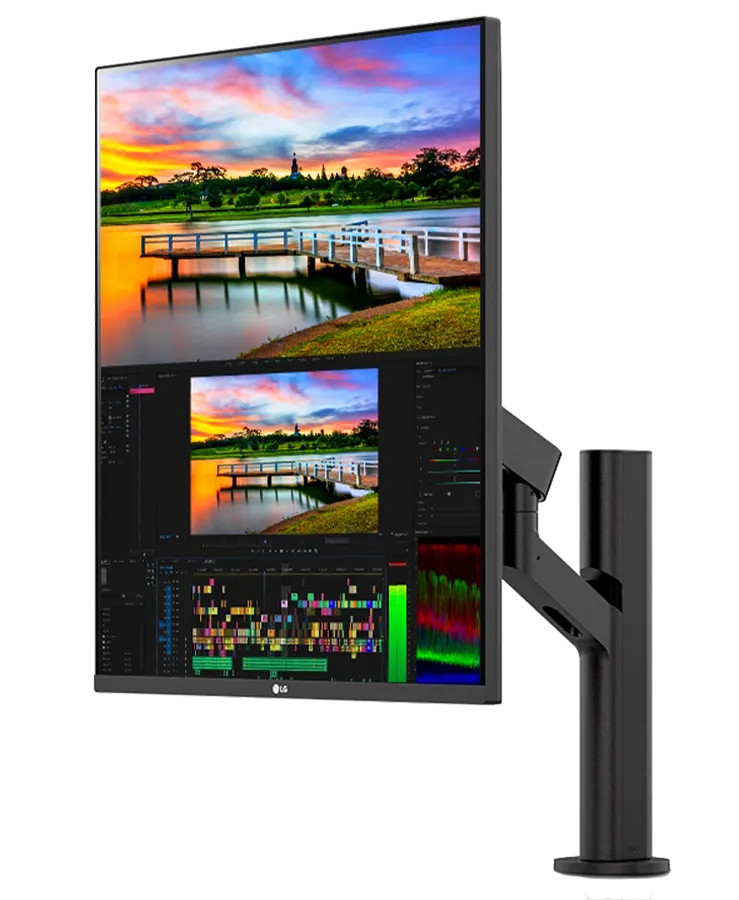
Best for Trading ➜➜➜ LG DualUp 28MQ780-B

  • Unique 16:18 aspect ratio for multitasking.

  • SDR & HDR10 support for better contrast.

  • Ergonomic stand with full rotation.

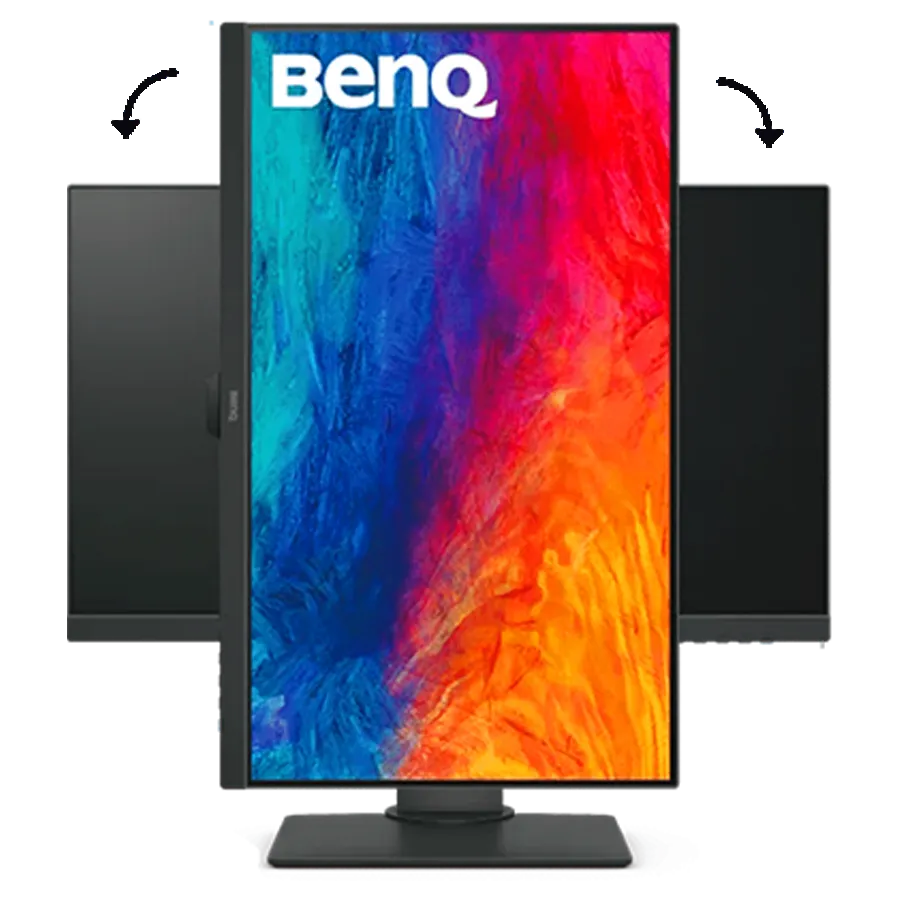
Best for Office ➜➜➜ BenQ PD2705Q

  • 27-inch QHD IPS panel for crisp text.

  • Factory-calibrated colors for accurate visuals.

  • USB-C with 65W power delivery for easy laptop connection.

How to Choose !

LG DualUp
(28MQ780-B)

Choose
This IF ….▼
⬇️Our Recommendations ⬇️

You need a space-saving, multi-window setup.
You multitask extensively.
You require long-hour comfort.
You prefer a crisp and clear display.
You need USB-C for seamless connectivity .


CHECK PRICE

Best Discount
On ebay.com
For Trading

Dell UltraSharp
(U2723QE)

Choose
This IF ….▼
⬇️Our Recommendations ⬇️

You need precise color accuracy.
You work with high-resolution content.
You need wide viewing angles.
You value connectivity options.
You want a premium, ergonomic build.


CHECK PRICE

Best Discount
On dell.com
Content Creation

BenQ
(PD2705Q)

Choose
This IF ….▼
⬇️Our Recommendations ⬇️

You work long hours and need eye comfort.
You need a professional-grade display.
You want a monitor that fits any workspace.
You need a reliable and adjustable stand.


CHECK PRICE

Best Discount
On Amazon
For Office
Product Quick
Comparison

Futures LG DualUp Dell UltraSharp BenQ
Image best vertical monitor in 2025 best vertical monitor in 2025 02 best vertical monitor in 2025
Screen Size 28 inches 27 inches 27 inches
Resolution 2560×2880 4K UHD (3840×2160) QHD (2560×1440)
Panel Type Nano IPS IPS Black IPS
Refresh Rate 60Hz 60Hz 60Hz
Response Time 5ms (GtG) 5ms (GtG) 5ms (GtG)
Brightness 300 nits 400 nits 350 nits
Color Accuracy 98% DCI-P3 100% sRGB, 98% DCI-P3 100% sRGB, Rec. 709
Contrast Ratio 1000:1 2000:1 1000:1
HDR Support HDR10 DisplayHDR 400 HDR10
Ergonomic Stand Height, tilt, swivel Height, tilt, swivel, pivot Height, tilt, pivot, swivel
Connectivity USB-C, HDMI, DisplayPort USB-C, HDMI, DisplayPort, USB Hub USB-C, HDMI, DisplayPort
Built-in Speakers Yes (7W x2) No Yes (2W x2)
Blue Light Filter Yes Yes Yes
Best For Stock traders, multitasking Content creators, video editing, design Office professionals, productivity
Price Range $$ (Mid-range) $$$ (Premium) $ (Affordable)
Rating ⭐⭐⭐⭐ (4.5/5) ⭐⭐⭐⭐⭐ (5/5) ⭐⭐⭐⭐ (4.5/5)

🎯 Final Verdict Comparison :

Each monitor excels in its own category:
Dell UltraSharp U2723QE is unbeatable for creators needing precision.
LG DualUp 28MQ780-B is ideal for traders handling complex charts.
BenQ PD2705Q is perfect for office work without breaking the bank.

Pros & Cons
1️⃣

゚⋆。Best for Content Creation 。⋆ ゚

best vertical monitor in 2025 04

Dell UltraSharp (U2723QE)

A premium 27-inch 4K UHD monitor with exceptional color accuracy, IPS Black technology, and a fully adjustable stand. Ideal for content creators, video editors, and designers.


Check Price

Pros

4K UHD resolution.

high color accuracy .

IPS Black technology.

USB-C & multiple ports.

Cons

Higher price.

No HDR10 support.

Why we choose it !

✔ If you need a high-quality monitor for content creation, the Dell UltraSharp U2723QE is an outstanding choice. It delivers exceptional color accuracy, high resolution, and a premium build that makes it perfect for professional designers, video editors, and photographers.

  1. 1- 4K Ultra HD Resolution:
    The 3840 × 2160 resolution ensures crisp details, making it ideal for photo and video editing.

    2- PremierColor Technology:
    Factory-calibrated for 99% sRGB and 98% DCI-P3, providing professional-grade color accuracy.

    3- IPS Black Technology:
    Delivers deeper blacks and better contrast than standard IPS panels, improving visual clarity.

    4- USB-C Hub & Connectivity:
    Includes USB-C, HDMI, DisplayPort, and multiple USB ports for seamless workstation integration.

    5- Ergonomic Design & Adjustability:
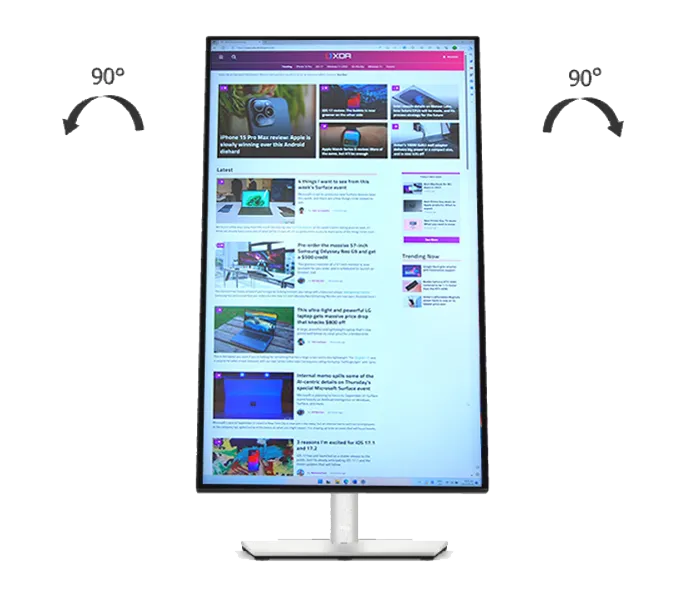
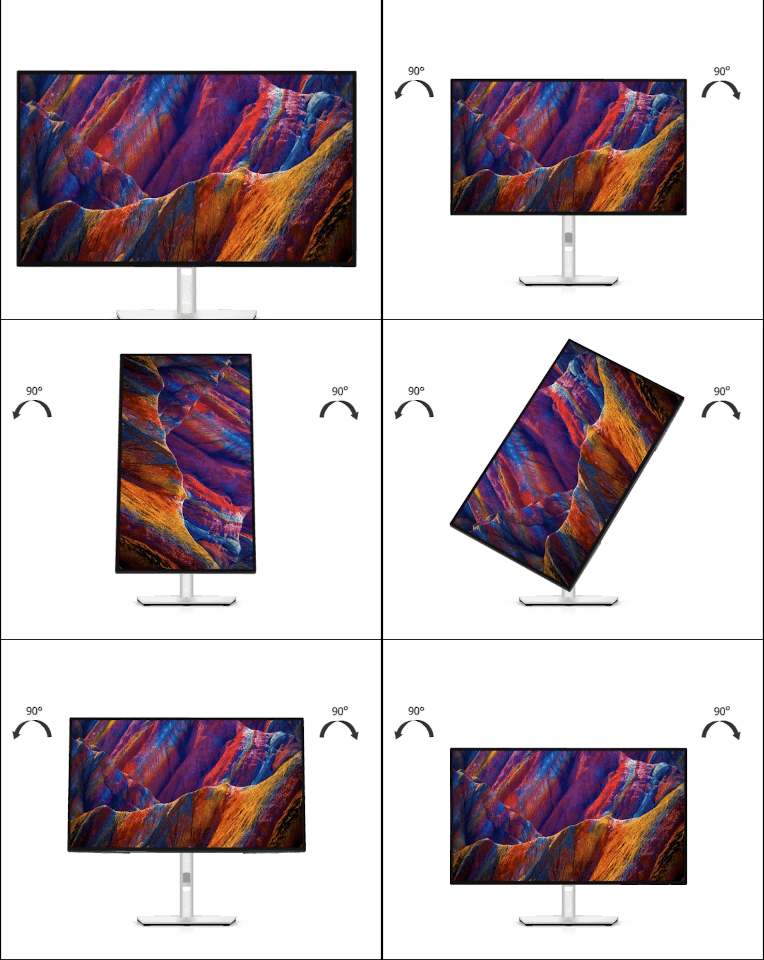
    The fully adjustable stand supports height, tilt, swivel, and pivot, making it ideal for vertical orientation.

📌 Why It’s the Best for Content Creation?

The Dell UltraSharp U2723QE is designed for creative professionals who need a color-accurate, high-resolution display with excellent connectivity. It provides premium features at a great value, ensuring that designers, editors, and photographers get the best tool for their work.

Our Global Rating

5.0/5


Get It Now

2️⃣

゚⋆ Best for Trading ⋆ ゚

best vertical monitor in 2025

LG DualUp (28MQ780-B)

A unique 16:18 aspect ratio monitor offering extra vertical screen space, perfect for multitasking, stock trading, and programming.


Check Price

Pros

Extra-tall display .

Ergonomic stand .

USB-C with 90W power.

excellent height and tilt.

Cons

Unconventional screen ratio.

No 4K resolution .

Why we choose it !

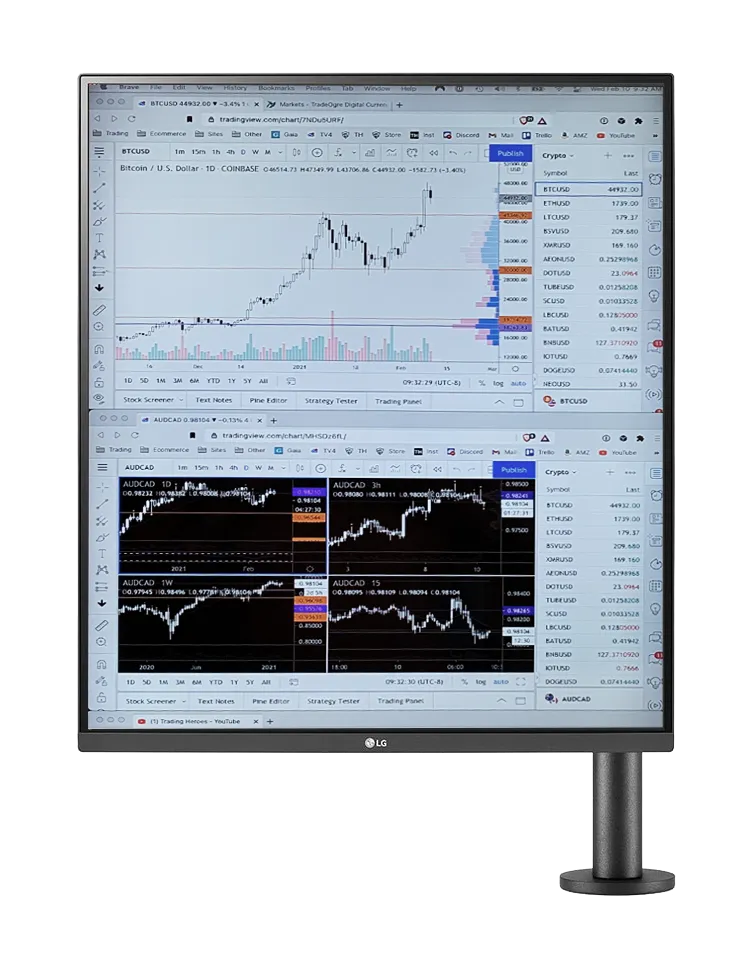
✔ For stock traders and financial professionals, the LG DualUp 28MQ780-B offers a unique 16:18 aspect ratio, allowing you to view more data, charts, and graphs without scrolling excessively.

  1. 1- Unique DualUp Display:
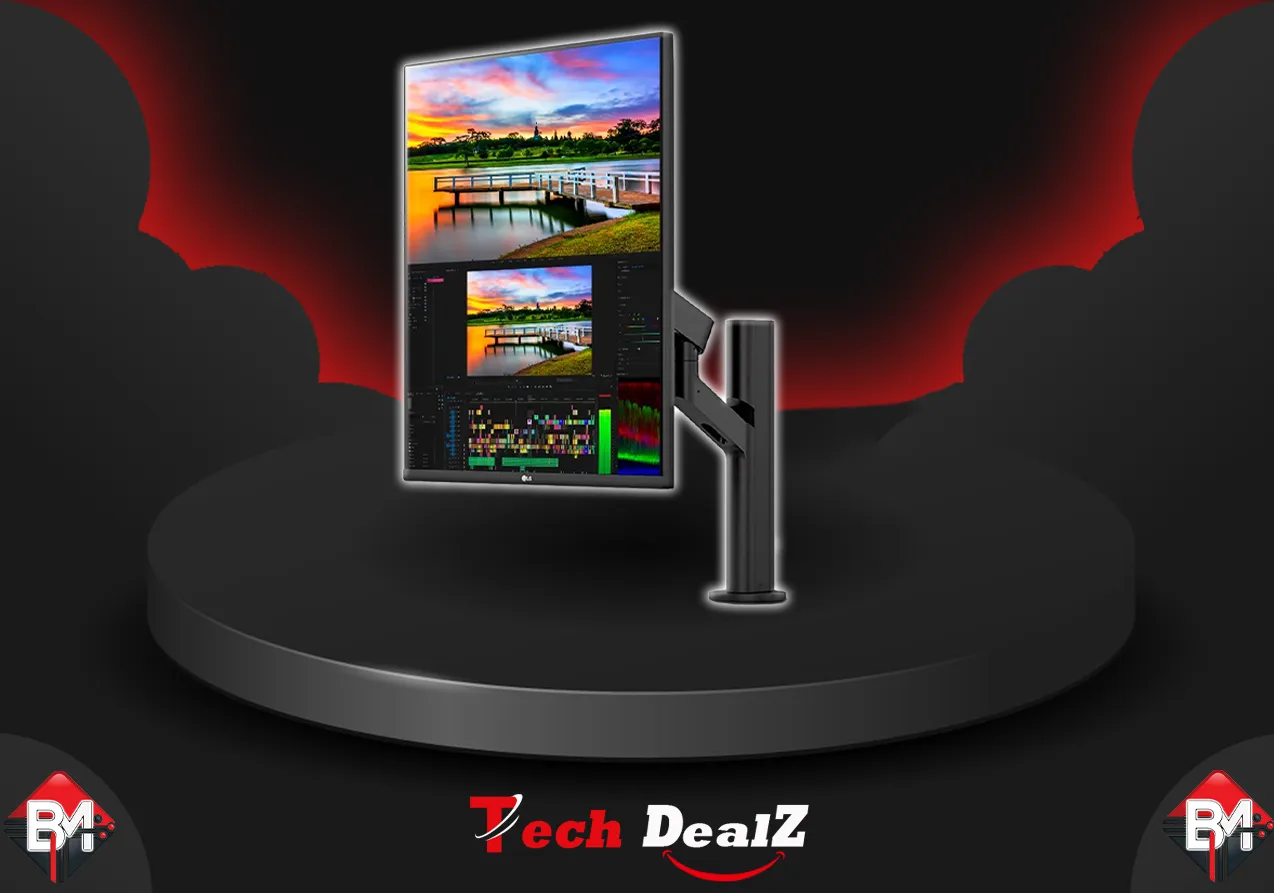
    The 16:18 aspect ratio gives you the vertical screen space of two stacked 21.5-inch monitors without a bezel gap.

    2- Ergonomic Stand & Mounting Arm:
    Comes with a C-Clamp ergonomic stand, allowing you to position the monitor precisely in your trading setup.

    3- USB-C with 90W Power Delivery:
    Charge your laptop and transfer data with a single USB-C cable, reducing desk clutter.

    4- Split-Screen Multitasking:
    Supports screen splitting for multiple windows, making it easier to track stocks and financial data.

    5- High-Resolution Nano IPS Panel:
    Delivers SDR and HDR10 support with accurate colors and sharp visuals.

📌 Why It’s the Best for Trading?

The LG DualUp 28MQ780-B is a game-changer for traders, offering superior screen real estate, multitasking efficiency, and ergonomic adjustments. It eliminates the need for dual monitors while improving productivity, making it the ultimate trading monitor.

Our Global Rating

4.5/5


Get It Now

3️⃣

゚⋆。 Best for Office 。⋆ ゚

best vertical monitor in 2025

BenQ (PD2705Q)

A 27-inch 2K QHD monitor with factory-calibrated color accuracy and productivity-focused features. Affordable and ideal for office professionals.


Check Price

Pros

Excellent sRGB & Rec.

709 color accuracy.

Flicker-free & low blue light mode.

Affordable price.

high-quality display.

Cons

Limited HDR support.

No USB-C power delivery.

Why we choose it !

✔ The BenQ PD2705Q is an affordable, professional-grade monitor that delivers great image quality, an ergonomic design, and flicker-free technology, making it perfect for office work and productivity.

  1. 1- QHD Resolution (2560 × 1440):
    Provides crisp text and detailed visuals, reducing eye strain during long work hours.

    2- Ergonomic Design:
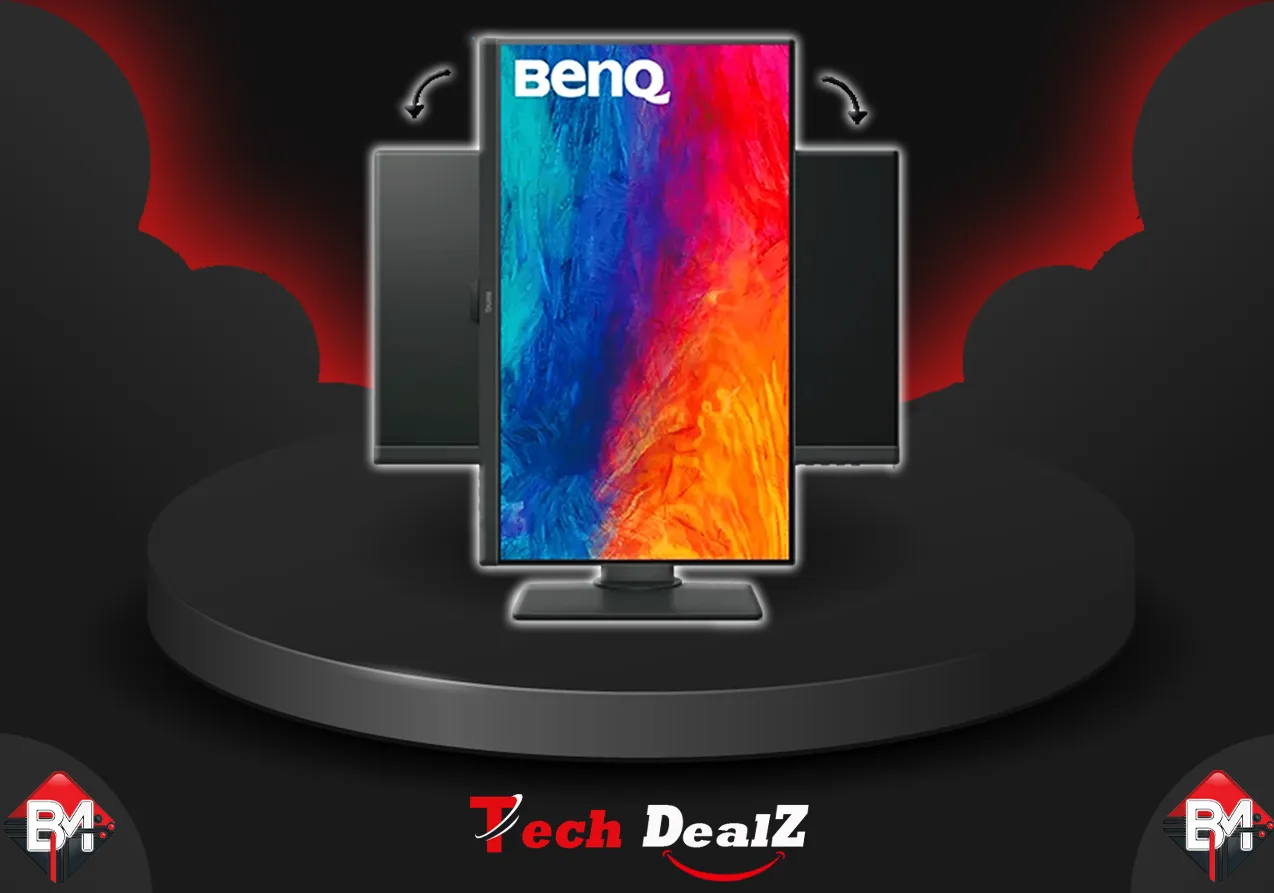
    Fully adjustable stand with tilt, swivel, height, and pivot for comfortable viewing in vertical mode.

    3- Eye-Care Technology:
    Features Low Blue Light and Flicker-Free technology to reduce eye fatigue.

    4- Factory-Calibrated Color Accuracy:
    Ensures 100% sRGB and Rec.709 color accuracy, great for professionals working with color-sensitive content.

    5- Versatile Connectivity:
    Supports USB-C, HDMI, and DisplayPort, allowing seamless compatibility with various office setups.

📌 Why It’s the Best for Office Use?

The BenQ PD2705Q is an affordable, high-quality monitor that enhances office productivity with a sharp display, ergonomic design, and eye-care features. It’s perfect for long hours of work without straining your eyes.

Our Global Rating

4.5/5


Get It Now

FAQs

BM Tech Deals
Why should I use a vertical monitor?

A vertical monitor helps with productivity, coding, reading, and financial analysis by displaying more lines of text or charts without excessive scrolling.

How do I set up a monitor in vertical mode?

Go to your computer’s Display Settings, select the monitor, and change the orientation to Portrait or Portrait (Flipped) to match the physical setup.

Are vertical monitors more expensive than standard ones?

Not necessarily. Many standard monitors have a pivoting stand, and some budget-friendly models offer VESA mount compatibility, allowing vertical rotation.

What is the best resolution for a vertical monitor?

  • For content creation and office work, 1440p (QHD) or 4K (UHD) is recommended for sharper text and images. For trading, a higher resolution helps display more data clearly.

Which brands make the best vertical monitors?

Top brands include Dell, LG, BenQ, ASUS, and HP, known for color accuracy, ergonomic designs, and high-resolution displays.

What size monitor is best for vertical use?

The ideal size depends on the use case:

  • 24-inch to 27-inch → Best for reading, coding, and office work.

  • 32-inch and above → Best for content creators and traders needing more screen space.

Can I use a vertical monitor with a laptop?

Yes, most vertical monitors support HDMI, DisplayPort, or USB-C, making them easy to connect to laptops for extended screen space.

What is the best refresh rate for a vertical monitor?

For general use, 60Hz is sufficient. However, for gaming or stock trading, a higher refresh rate (120Hz or 144Hz) provides smoother motion.

Researched by Tech Deals Experts

Do you Find your best deals ?
let us know what u need !